
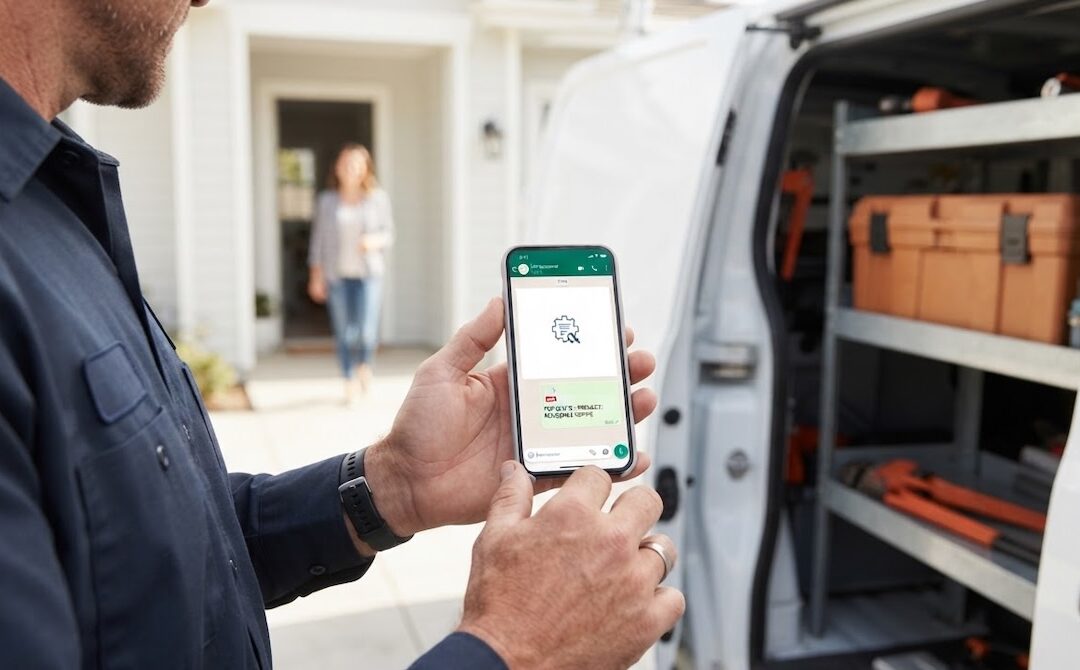
If you run a small trade business, you probably do not want to pay for another monthly subscription just to send quotes. Most plumbers, electricians, builders, and painters I speak to still quote from a Word template, a spreadsheet, or a notebook, and paying for software feels like a big step when you are not sure it will make a difference.
The good news is you don’t have to pay to quote properly. A good free quoting tool for tradespeople can do most of what the paid tools do, as long as you know what to look for. The bad news is that many “free” tools are really just trials in disguise, or so limited that you end up back in Word within a week.
In this post, I will cover what a free quoting tool should actually do for a trade business, the traps to watch out for, and how to decide when free is enough and when it is worth upgrading.
Why Tradespeople Need a Proper Quoting Tool
Quoting is where you win or lose the job. Customers usually ask two or three businesses for a price, and the quote that arrives first, looks professional, and is easy to accept has a clear advantage. Price matters, but presentation and speed often matter just as much.
The problem with Word and Excel is not that they cannot produce a quote. It is everything around the quote. You have to copy the last quote, change the customer details, update the line items, check the totals, save it as a PDF, attach it to an email or WhatsApp, and then hope the customer reads it. Do that five times a week after hours and mistakes creep in. A wrong customer name, an old price, or a formula that didn’t update can cost you the job, or worse, your margin.
A proper quoting tool removes most of those steps. You enter the job, the tool handles the layout, totals, and sending, and you get on with your day.
What a Free Quoting Tool for Tradespeople Should Do
Not every free tool is built for trades. Some are designed for office-based businesses and feel clumsy on a phone. Others look good but leave out the features that actually help you win work. These are the things I would look for.
It works properly on your phone
Most tradespeople quote from a site, a van or a client’s kitchen, not from a desk. If the tool is painful to use on a phone, you will not use it. Look for something built mobile-first, where creating and sending a quote takes a few minutes, not a laptop session at night.
It helps you build the quote, not just format it
The slow part of quoting is working out and typing the line items. The better tools now use AI to help. You describe the job in plain language, such as “install new 150 litre geyser with drip tray and isolator valve”, and the tool suggests the line items. You still check and adjust the prices, but you are no longer starting from a blank page every time.
It shows where your customers are
In South Africa and many other markets, customers live on WhatsApp. A quoting tool that only sends email attachments is already a step behind. Look for one that lets you send a quote by WhatsApp or email as a link the customer can open on their phone.
It shows you when the quote has been opened
View tracking sounds like a small feature, but it changes how you follow up. Instead of guessing whether the customer has seen your quote, you know exactly when they opened it. A friendly message at that moment is far more effective than a follow-up three days later.
Customers can accept online
The easier it is to say yes, the more often customers say yes. A good tool lets customers accept the quote from a link, without printing, signing, or scanning. Some tools also let the customer request changes, which keeps the conversation moving instead of stalling.
It turns the quote into an invoice
Once the job is accepted, you should not have to retype anything. Converting a quote to an invoice in one step saves time and reduces errors, so you can send the invoice sooner and get paid sooner.
It looks professional without a watermark
Some free tools stamp their own logo all over your quote. That undermines the whole point of looking professional. Your quote should carry your branding, not the software company’s.
The Traps to Watch Out For
“Free” means different things to different software companies. Before you set up your business on any tool, check a few things.
First, is it actually free, or is it a 14-day trial that asks for your card up front and starts charging automatically? A trial is fine if you know what you are signing up for, but it is not a free tool.
Second, what are the limits? Most free plans cap the number of quotes or invoices per month. That is reasonable, but the cap should be enough for you to properly test the tool on real jobs, not two quotes and a constant upgrade prompt.
Third, what happens to your data if you upgrade or stop using it? You want to keep your clients and quote history if you move to a paid plan, and you want to be able to leave without being locked into a contract.
Finally, is the free plan missing the features that matter? A free tool that cannot send via WhatsApp, track views, or convert to an invoice won’t save you much time over Word.
A Free Plan Built Around This Checklist
I built QuoteGenio specifically for tradespeople and service businesses, and I designed the free plan around the checklist above. It is a forever-free plan, not a trial, and you do not need a credit card to sign up.
On the free plan, you can create up to five quotes and two invoices a month. That includes AI quote generation and line-item suggestions, sending by WhatsApp and email, view tracking, online acceptance, the option for clients to request changes, branded PDFs without a watermark, and one-tap conversion from quote to invoice. It runs in your phone’s browser, so you can quote straight from the site.
You can see everything that is included on the free quoting tool for tradespeople page.
When Free Is Enough, and When to Upgrade
For many small trade businesses, a free plan is all you need to get started. If you send a handful of quotes a month, it lets you look professional, respond faster, and stop retyping invoices, all without spending anything.
It is worth upgrading when quoting becomes a daily task. If you send more than a few quotes a month, want to build quotes by voice or from a photo, need recurring invoices for regular clients, or want reports on revenue and quote conversion, a paid plan will pay for itself quickly. The key is that you should be able to make that decision after using the tool on real jobs, not before.
Getting Started With QuoteGenio
If you are still quoting from Word or a spreadsheet, the simplest test is to take your next real job and quote it in a free tool instead. Time how long it takes, see how the quote looks on your customer’s phone, and watch whether they open it. That one job will tell you more than any comparison article.
You can try QuoteGenio’s free quoting tool on your next job, with no card needed.
I built QuoteGenio from idea to launch. If you have a product idea that solves a problem in your industry, Launch Lab is how I help founders and businesses build and launch it.