
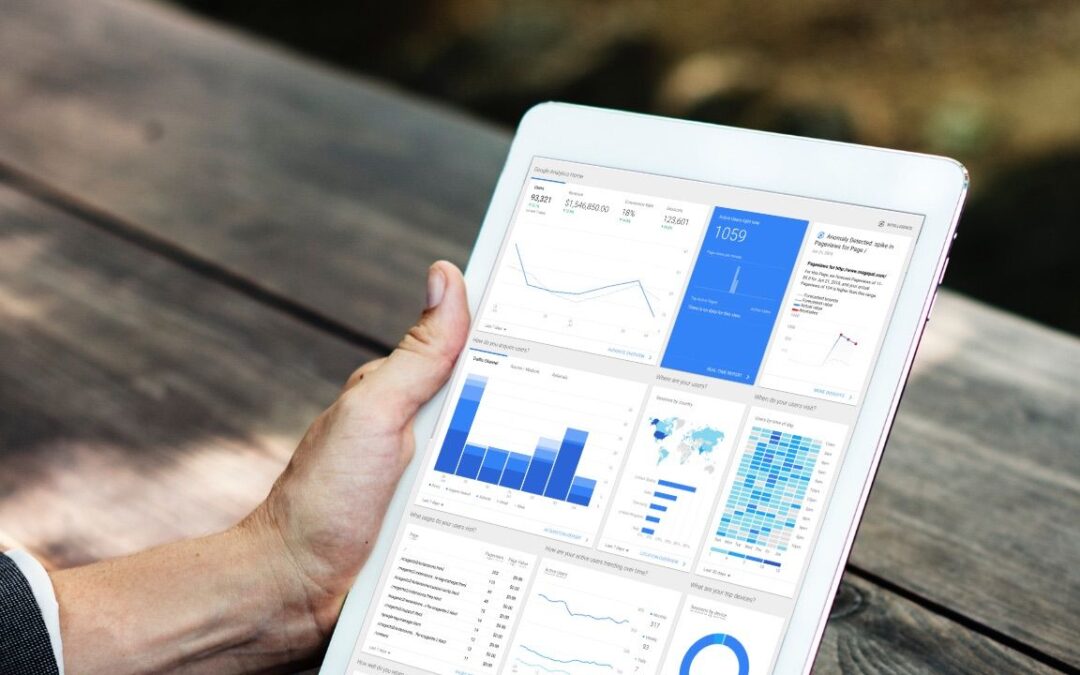
Talk to a Google Analytics Specialist and you’ll quickly hear that accurate tracking is what separates surface-level numbers from insights that fuel real growth. With enhanced tracking in Google Analytics, you capture more than page views; you uncover the interactions that show true intent. If your reports feel flat or your best content doesn’t seem tied to results, chances are you’re not tracking the actions that really matter.
This is not about collecting more numbers for the sake of it. Enhanced tracking is about capturing meaningful behaviour, understanding intent, and shaping experiences that lead to results. Once you have it enabled and correctly set up, your reports become a powerful guide to more intelligent decisions.
Why Enhanced Tracking Matters
Basic tracking shows visits, clicks, and traffic sources, but it misses the intent behind those actions. If someone scrolls through your article, downloads a guide, or watches a video, those are moments that reveal interest and commitment. Without enhanced tracking, they vanish from view, leaving you with a shallow understanding of your audience.
Enhanced tracking fills that gap by recording what really happens between the first click and the final conversion. Instead of just knowing how many people arrived, you learn what they did, how deeply they engaged, and where they moved next.
The Problem with Basic Reports
Pageviews and sessions tell you activity, but not quality. You might celebrate high traffic without realising visitors skimmed and left without action. Enhanced tracking turns empty numbers into proper context.
Signals of Real Intent
Each user action is a signal. For example:
- Scrolling to the bottom of a blog post shows sustained attention.
- Playing a product video indicates curiosity.
- Downloading a resource suggests trust in your brand.
- Using site search reveals exactly what users want but can’t find.
When you capture these signals, you can respond with relevance, whether that’s adjusting content, improving navigation, or presenting the right offer at the right time.
How to Activate Enhanced Tracking
Google Analytics makes enhanced measurement easier than ever. Many features can be enabled without additional coding, allowing you to start gathering richer data quickly. The key is knowing which actions matter most to your business.
Scroll Tracking
Scroll tracking shows you how far visitors go down a page. It’s especially valuable for blogs, guides, and long-form landing pages. If users consistently drop off halfway, you know exactly where to improve structure, add visuals, or place a call-to-action.
Outbound Click Tracking
If your site directs people to partners, affiliates, or external resources, outbound click tracking reveals where attention is directed. It helps you measure whether external links support your goals or pull users away too early.
File Download Tracking
Whitepapers, case studies, and templates often play a critical role in lead generation. File download tracking enables you to identify which resources generate the most interest and which topics effectively guide potential customers deeper into your sales funnel.
Video Engagement Tracking
Video is one of the strongest content formats for building trust. Tracking how long users watch tells you if the content holds attention and where viewers drop off. This insight guides editing, messaging, and placement of key calls-to-action.
Site Search Tracking
Your site search is like a direct line into user intent. By tracking search terms, you uncover what visitors can’t easily find. These insights highlight opportunities to improve navigation, content, or even product offerings.
Turning Data Into Action
Tracking more actions only matters if you use the information to improve. Enhanced tracking provides the raw material for more innovative campaigns and user experiences that move people forward.
Refine Content Strategy
If you know which articles readers finish and which ones lose attention, you can sharpen your editorial calendar. Instead of guessing, you double down on what holds attention and scrap what doesn’t. Enhanced tracking makes this clarity possible.
Optimise Conversions
When you connect micro-actions to conversions, you see the stepping stones to success. For instance, if readers who download a guide are more likely to convert later, you can highlight that resource more prominently or use it in targeted campaigns.
Fine-Tune Calls-to-Action
By studying where people scroll and click, you learn where attention naturally falls. Placing calls to action in these hotspots raises engagement without extra pressure. Small, informed adjustments lead to meaningful gains.
Personalise Journeys
Enhanced tracking allows you to create audiences based on behaviour. For example, you might target users who played a video but never reached the pricing information. You can then re-engage them with the next logical step, such as a product comparison or testimonial. This builds a smoother path that feels natural to the user.
Why You Can’t Ignore Enhanced Tracking
Enhanced tracking in Google Analytics is now mandatory. It’s the difference between knowing what happened and understanding why it happened. By capturing intent signals, you uncover the truth about engagement, identify friction points, and highlight the content and campaigns that truly work.
If you want to be certain your setup is clean and your tracking is aligned with your goals, the fastest way forward is to work with a Google Analytics Expert who can configure enhanced tracking properly and help you translate insights into growth.